Record, edit and share.
From your phone.
Record any app or yourself, read your script as you go, cut and caption the video right on the phone, and send one link that opens in any browser. Away from your desk, nothing waits until you’re back.
Any app, or yourself.
With your script in view.
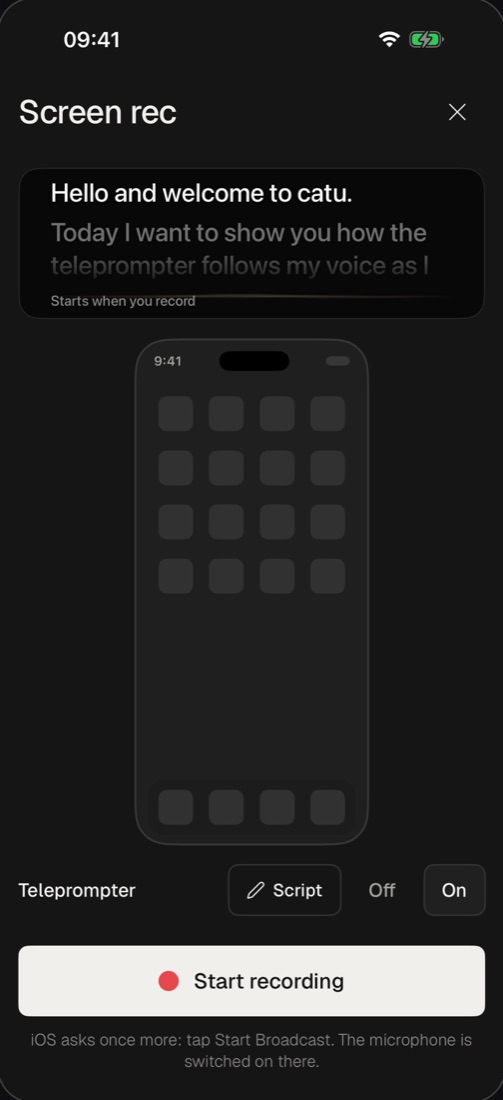
Start a screen recording from catu and show anything on your phone, or turn the camera on yourself. The teleprompter rolls your script above it and keeps your place as you read.
- Record the screen of any app
- Or the camera, with a background and a look
- A teleprompter that follows your voice
- Saved on your phone, free
Cut the middle out.
In two taps.
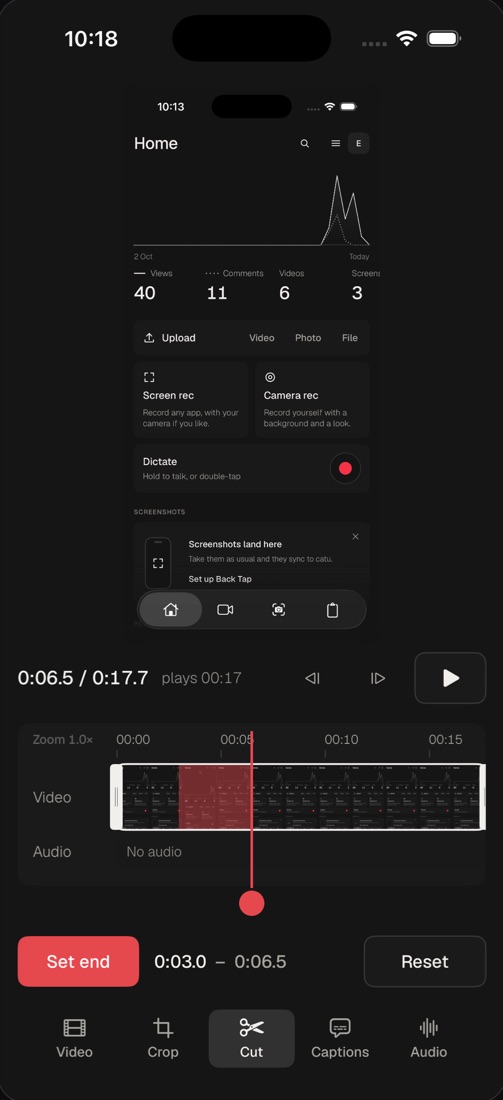
The editor is on the phone, not just a trim. Take out the part you fluffed, frame it for any screen, point at what matters, and it’s saved to the same link.
- Cut, crop, zoom, and the colour around the picture
- Text, tooltips, arrows, shapes, emoji and stickers
- Blur, a loupe and a dim for what matters
- Links on the video that people can tap
Captions from the speech.
Styled your way.
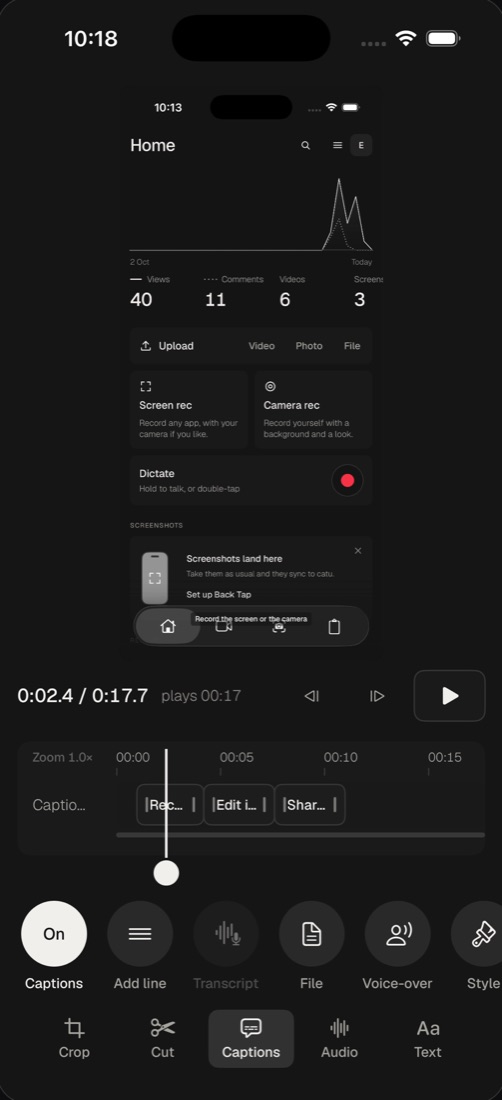
Most people watch with the sound off. Add captions from the speech in a tap, then make them look like yours.
- Written from what you said
- Or type your own lines
- A voice-over from text, music and sounds
Say what should change.
It’s done, with Undo.
Tell it what you want, the way you’d tell a colleague. And when the recording has to become a ticket, it writes the report for you, with screenshots, ready to send.
- Remove the silences and filler words with a switch
- Ask in words and it edits the video in place
- Write a bug report or a feature spec from a recording
- Saved to Files as PDF and Markdown
One link.
Views and comments come back.
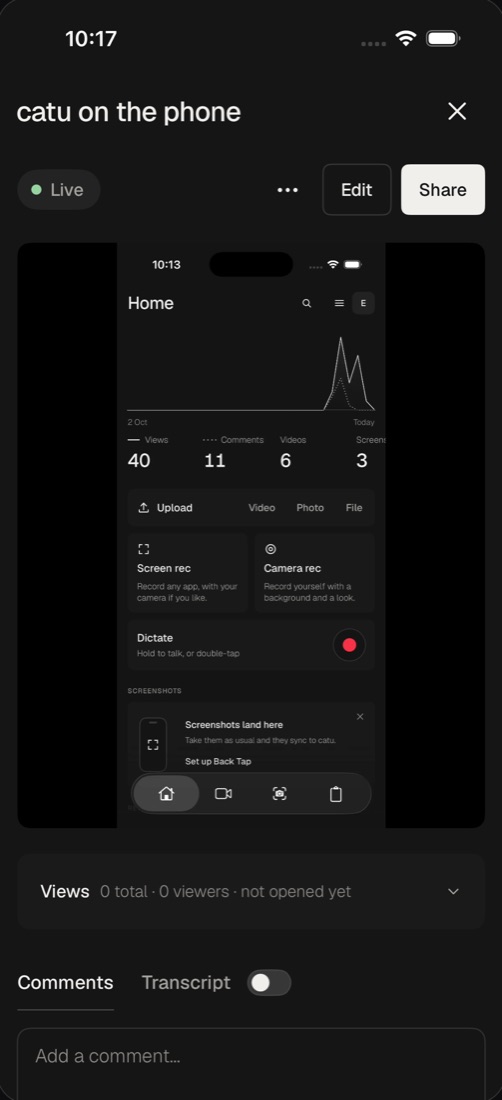
Every recording gets one link. Send it anywhere, and see in the app when it’s watched and what people say about it.
- Opens in any browser, no account to watch
- See who watched, read comments and reactions
- A transcript of what was said
A page for each client.
Right from the Share sheet.
Keep each client’s project in one place they can always open. Add today’s update from your phone, and it’s on their page.
- At your own address, like yourstudio.catu.app/acme
- A cover picture and every update you send
- Add a recording or screenshot, and the board's link is copied
Everything you captured.
On every device.
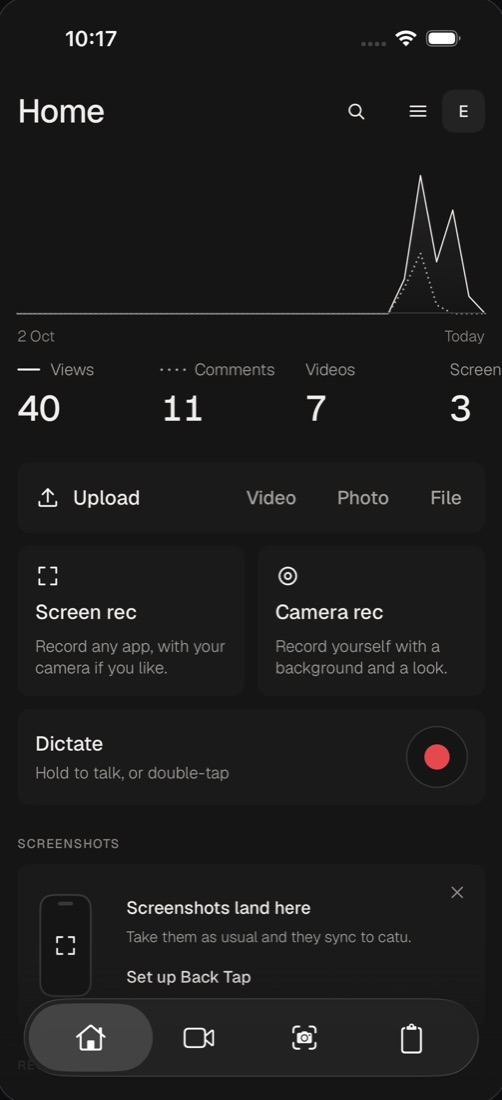
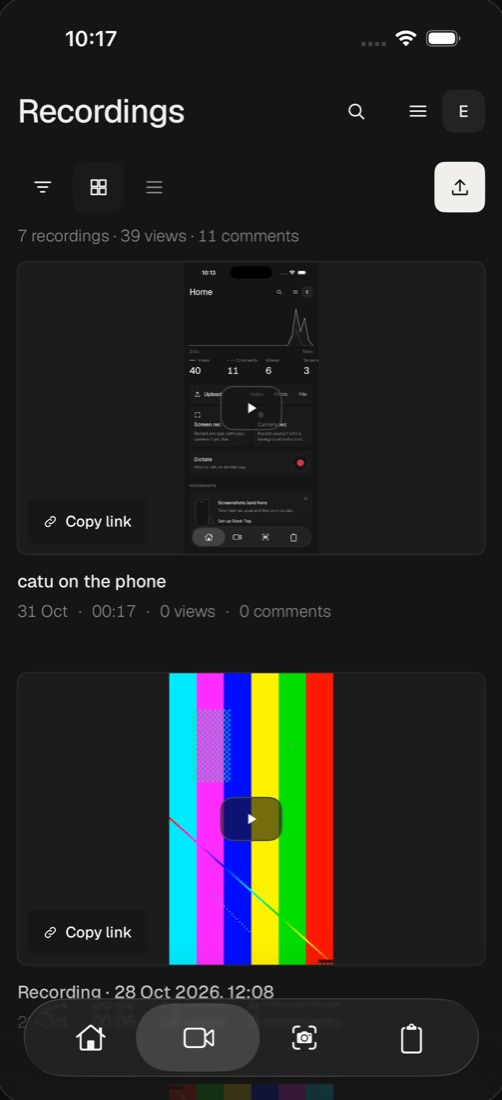
What you make on your phone is in your Library on your Mac and in the browser, and what you made there is on your phone.
- Recordings and screenshots from your phone and Mac
- Screenshots you take sync to catu
- The same Library on the web
Copy on your Mac.
Paste on your phone.
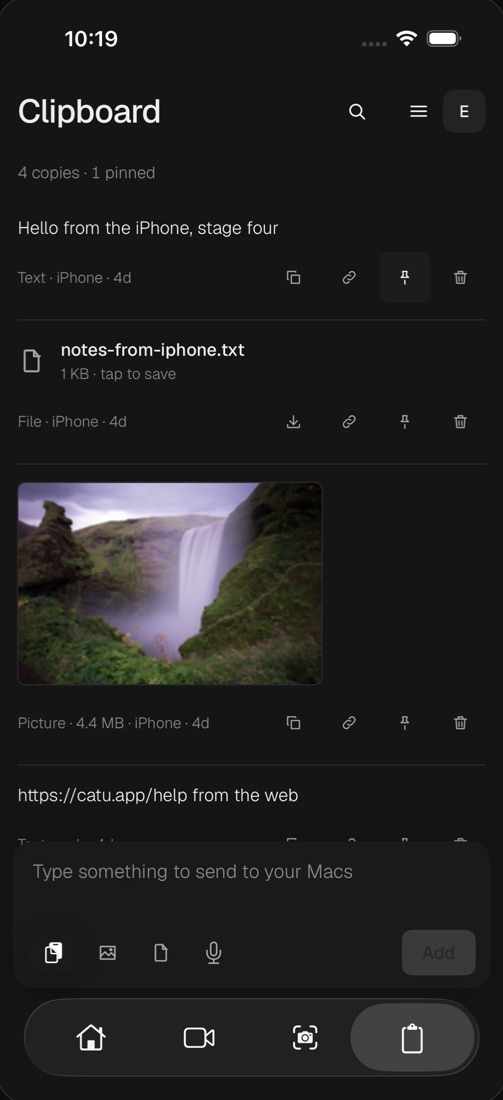
With the catu Mac app, what you copy on one is ready to paste on the other, in both directions.
- Text, links, pictures and files
- Send anything back to your Macs
- End-to-end encrypted
Hold the button.
Talk. It’s written.
Faster than typing a message with your thumbs. Hold Dictate on Home, say it, and paste it wherever you need it.
- Written down by Apple's recognizer, on the phone
- Lands on your clipboard, ready to paste
- Free
Your recordings are yours.
We can’t watch them.
What you share is stored on our servers, so here is everything that happens to it. Read the privacy policy
Your desk,
in your pocket.
Recording, dictation and saving to Photos are free. catu Pro adds links, the Library on every device, the editor, AI, boards and clipboard sync with your Mac: 14 days free, then monthly or yearly through the App Store. See pricing