Capture, record, share.
Notes from making catu.
Short pieces on getting things off your screen and in front of people, and on the choices behind the app.
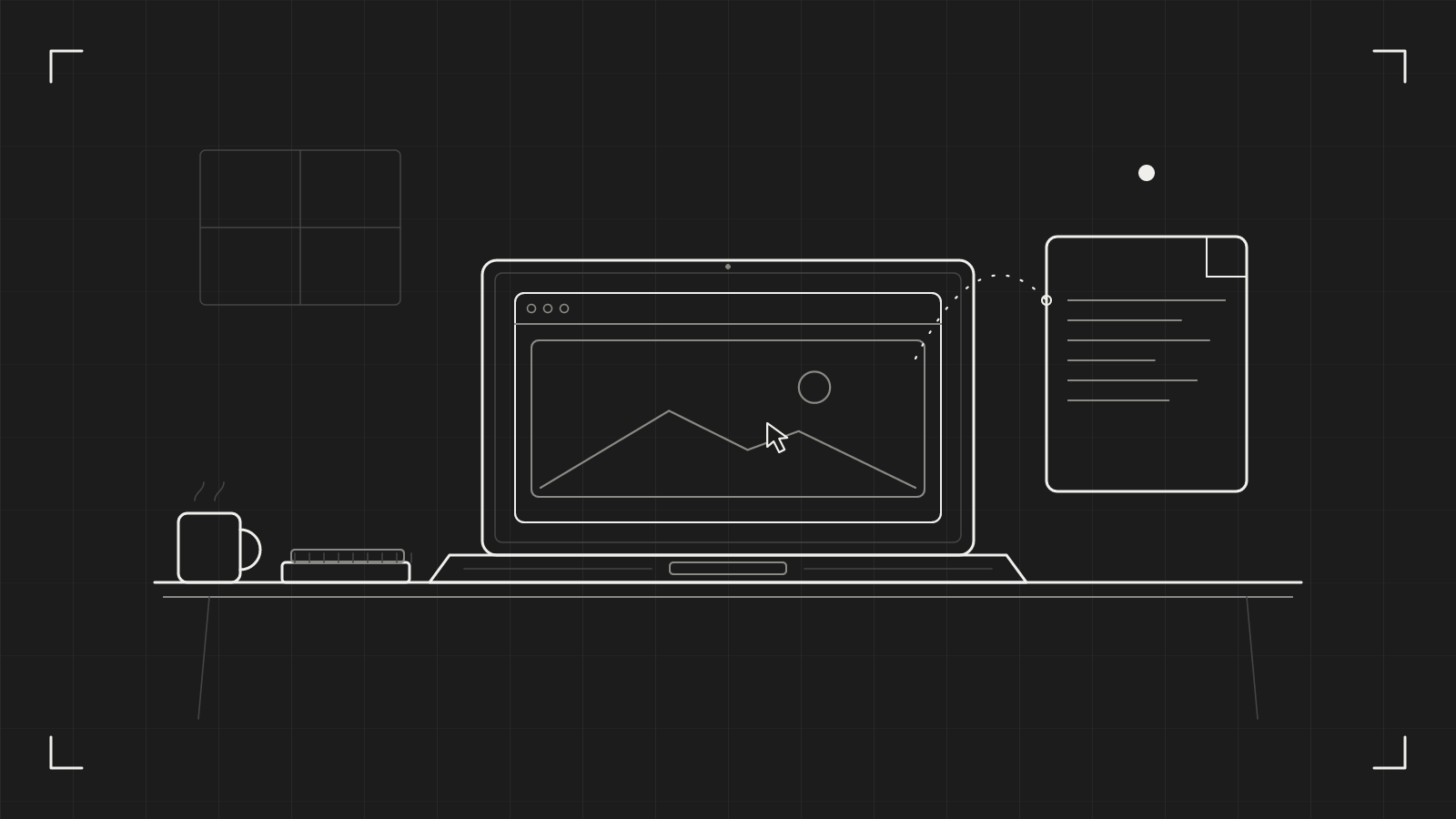
How to annotate a screenshot on a Mac: arrows, steps and blur
Three marks do most of the work: an arrow, a step number and a blur. Here is how to use them so a screenshot lands the first time.
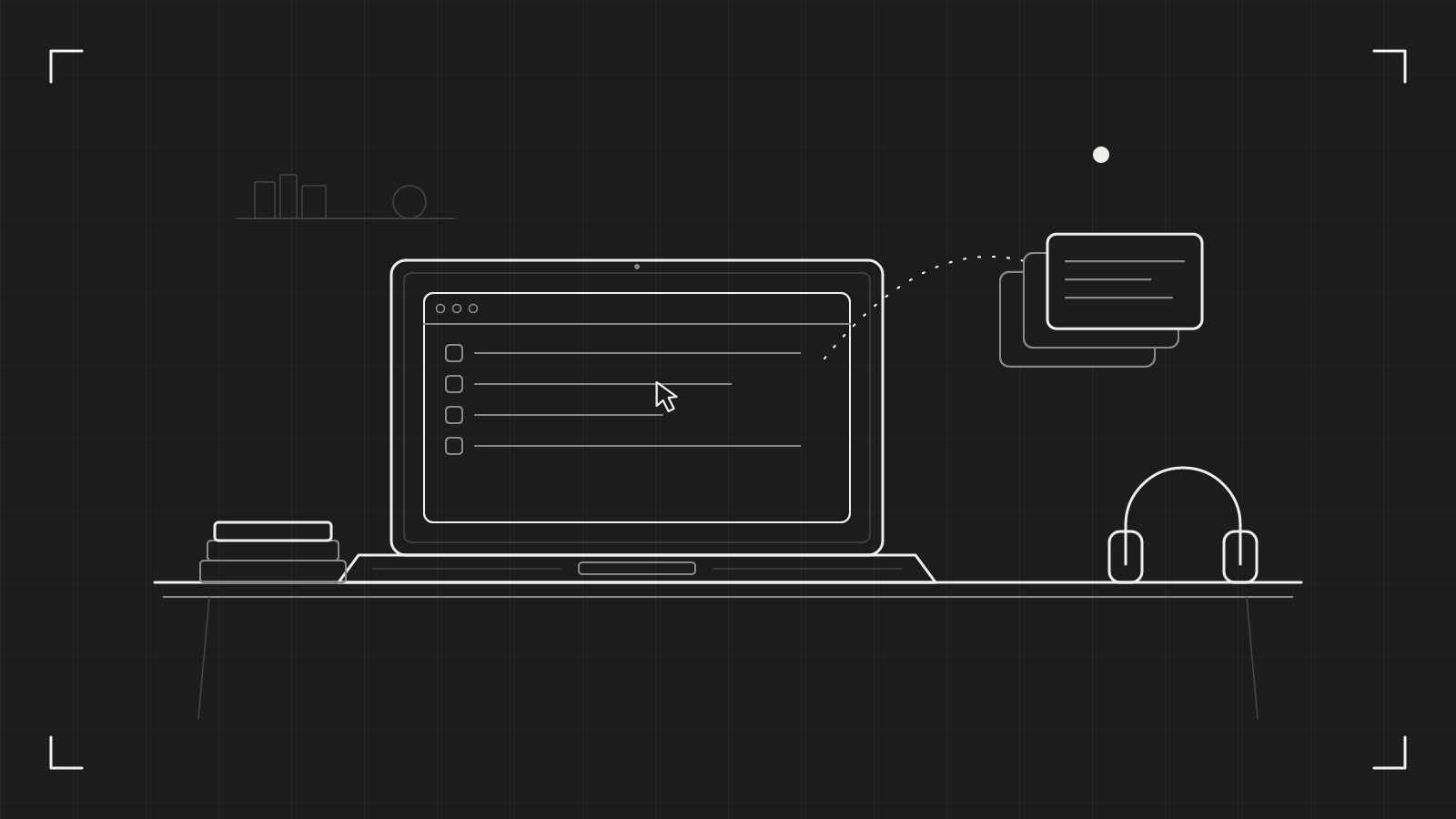
Mac clipboard history: your Mac forgets everything but your last copy
macOS remembers one copy. Here is what that costs you in a normal week, and how a searchable history in the menu bar fixes it without keeping your passwords.
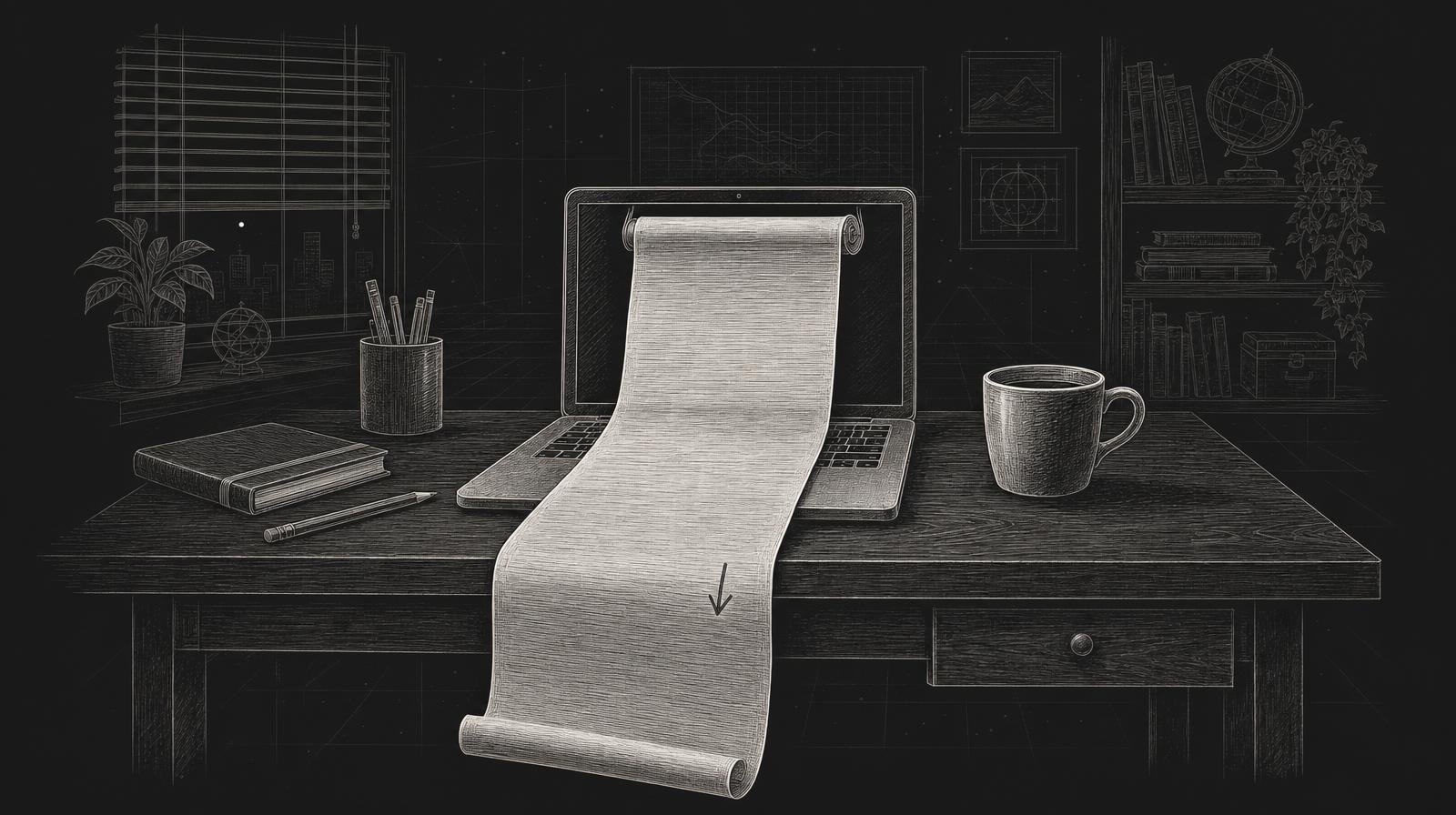
Scrolling screenshot on a Mac: capture the whole page, not a corner of it
A screen shows a slice of a long page. Here is how to turn the whole scroll into one tall image, and how to avoid the mistakes that break it.

Bug report screen recording: 30 seconds beats a paragraph
A paragraph describes a bug. A recording shows it. Here is how to make a bug report screen recording in under a minute, and send it as a link.

Why we built catu: one capture tool instead of six apps
We got tired of a menu bar full of capture apps and a card statement full of their subscriptions. catu is what we built instead: one icon, one price, and most of it free.
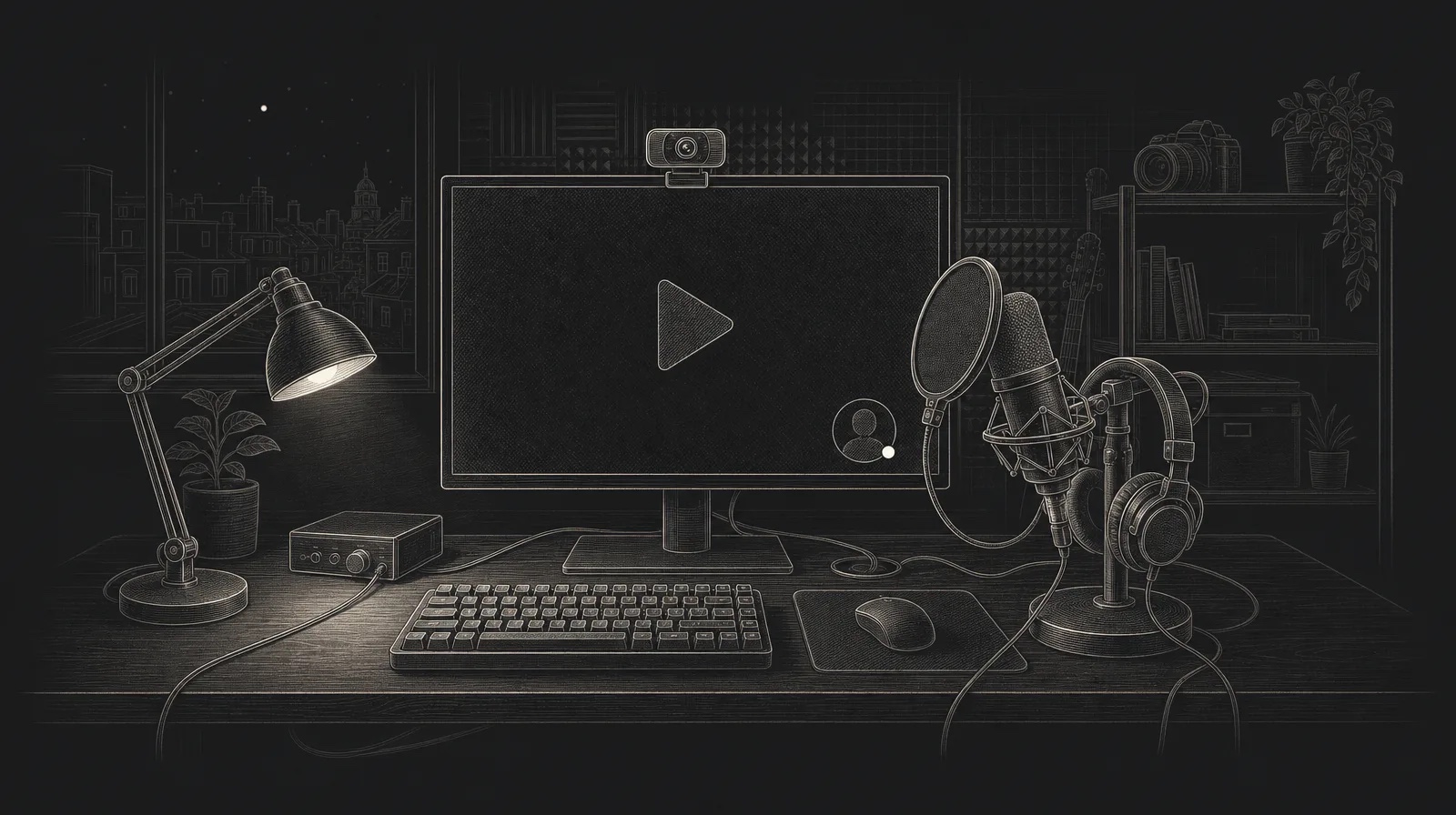
How to record your screen on a Mac with your voice and camera
Press ⇧⌘3, pick the area, switch on the microphone and camera, and press Start. Here is the whole flow, including pausing, the Mac's own sound and what to do when you stop.

Copy text from any image, video or PDF on a Mac
Press ⇧⌘5, drag over the text you can see, and paste it anywhere. It works on screenshots, scanned PDFs, a paused video and error messages that won't let you select them.