Bug report screen recording: 30 seconds beats a paragraph
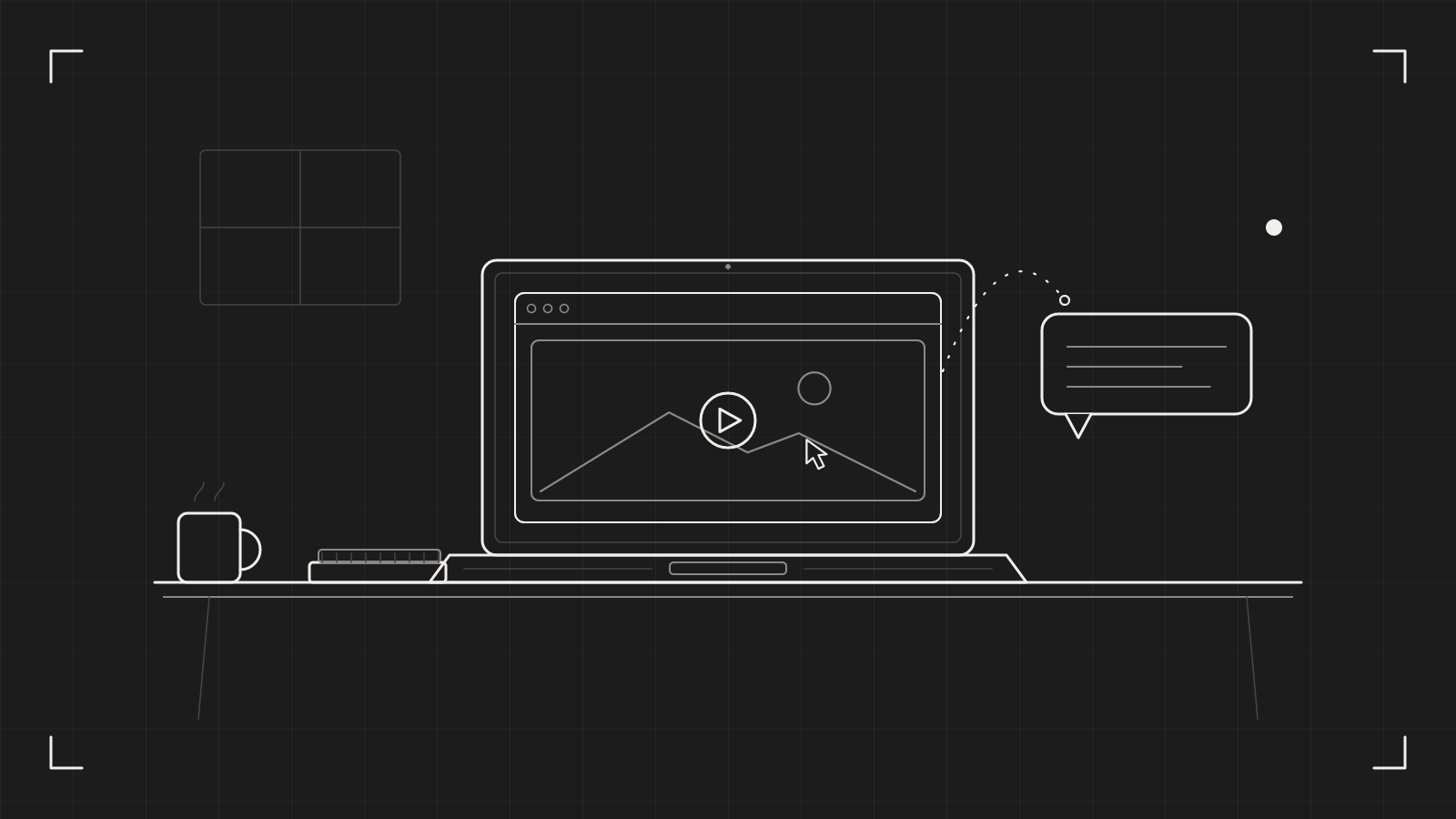
A good bug report screen recording takes thirty seconds and saves a day of questions. A paragraph of text takes five minutes to write, and the developer who reads it still has to guess which button you meant, what the page looked like just before it broke, and whether "it froze" means a spinner or a blank screen.
We think the recording should be the default and the paragraph the footnote. Here is why, and how to make one that people can act on.
What a paragraph cannot carry
Try describing this in words: "I click Save, the button greys out, a banner flashes for about a second, then the form is empty again." You have used forty words and the reader still has to imagine the timing. The banner is the clue, and it is the part that vanishes.
A recording keeps the order of events. It shows the pointer, so nobody wonders which of three similar buttons you clicked. It shows the pause before the error, and the page as it looked one second earlier. It shows the thing you did not think was relevant, which is often the thing that matters.
Written reports still have a job. A short line of context does what video cannot: the browser, the account, the expected result. But the sequence of events belongs on screen.
Record the six steps, not the whole afternoon
The best recordings are short and rehearsed once. Before you press anything, open the page in the state where the bug starts and know your steps.
- Press ⇧⌘3. Drag over the area, press Space to pick a single window, or press Return for the whole screen.
- Check the recording bar. Turn the microphone on if you want to narrate. Leave the camera off; a bug report does not need your face.
- Click Start or press Return. A 3, 2, 1 countdown runs.
- Do the steps. Say what you expect to happen, then what happens instead.
- Press ⇧⌘3 again to stop.
A recording can run up to ten minutes, but aim for under one. If you stumble, Pause with ⌥⇧⌘3 and carry on when you are ready. Pauses do not count towards the length.
Say it out loud
Narration is cheap and it does more than you would expect. One sentence at the start sets the scene: "This is the checkout page, signed in as a test user, and I am adding a second item." One sentence at the moment of failure names it: "The total should be 40, and it shows 20."
You do not need a script. You need two facts: what you expected, and what you got. The pointer shows the rest.
If the bug involves sound, such as a video that plays silently or a notification that never chimes, turn on system audio on the recording bar. catu records the sound your Mac plays and leaves out its own sounds. A written report cannot describe silence well. A recording can simply be silent at the right moment.
Send a link, not an attachment
A screen recording can end up as a file too big for the ticket, or one that sits unwatched in a download folder. A link is lighter. It opens in a browser, on a computer or a phone, and nobody needs an account to watch.
With the Web app plan, click Copy share link on the card that appears when you stop, and the link is on your clipboard. If you choose Upload while recording on the bar before you start, the link is ready the moment you stop. Paste it into the ticket.
Then the useful part starts. The developer can comment at an exact moment: pause at 00:18, write "which environment is this?", and the comment is pinned to that second. You reply under it. The whole conversation stays beside the evidence, not scattered across a chat thread and an email.
If the recording shows something private, hold ⌥ as you click the link button and add a password.
Try this today
Next time something breaks, resist the urge to type. Do this instead:
- Reproduce the bug once, quietly, so you know the steps.
- Record the steps once, with one sentence before and one after.
- Paste the link into the ticket, with two lines underneath: the app version and what you expected.
That is the whole habit. After a week you will notice that people reply with a fix instead of a question.
What catu does about it
catu puts the recording one shortcut away. Press ⇧⌘3, do the steps, press ⇧⌘3 again, and the video is already on your clipboard, saved on your Mac, and ready to share as a link if you are on the Web app plan. The full set of controls, from pausing to trimming, is in the recording guide.
catu is one menu-bar app for everything you capture on a Mac. Free on your Mac; the Web app plan for sharing and editing.
See what it does