Mac clipboard history: your Mac forgets everything but your last copy
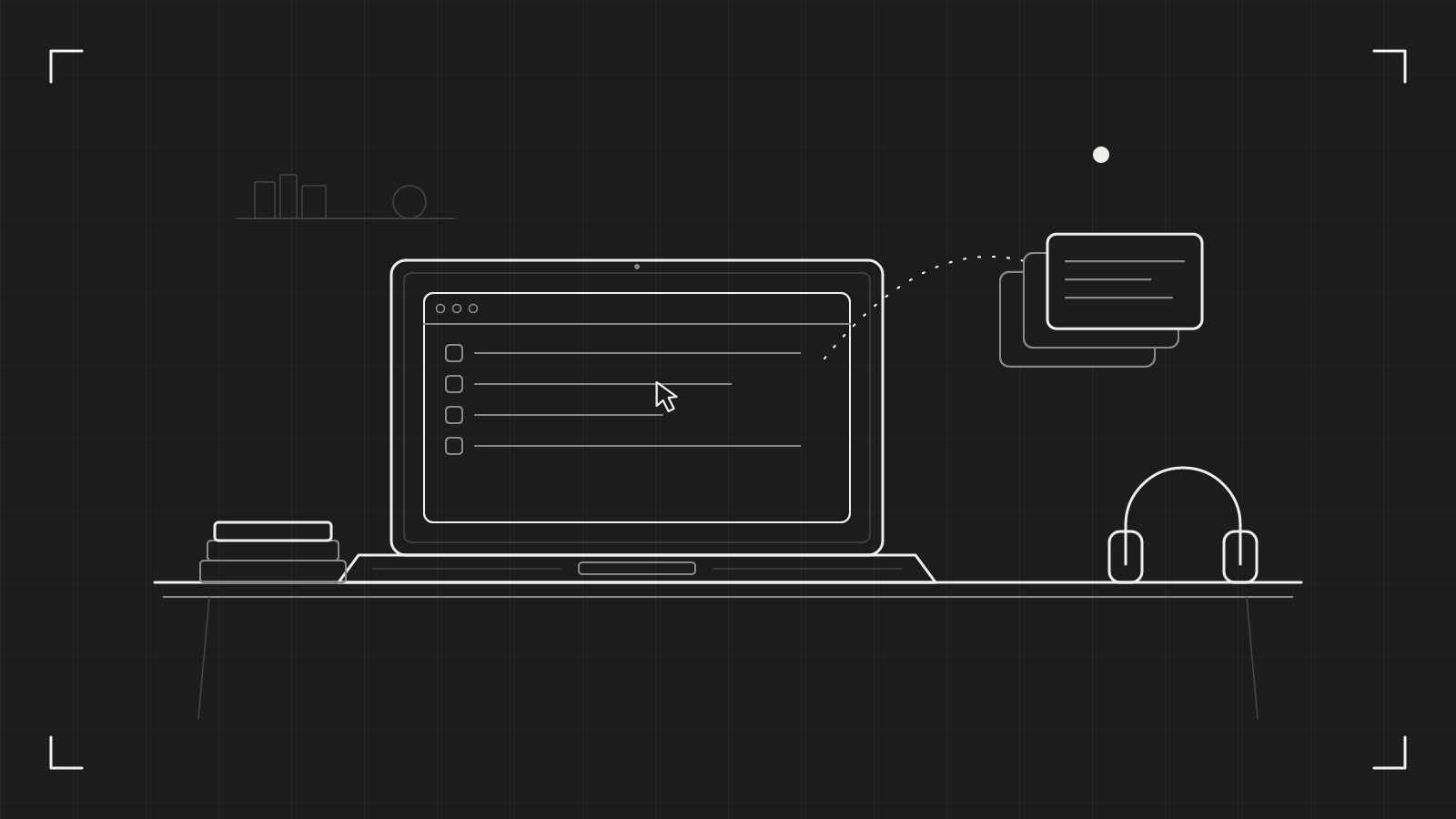
Your Mac clipboard history is one item long. You copy a link, then an address, and the link is gone. You copy a paragraph to paste it somewhere, then copy a file name, and the paragraph is gone. macOS keeps your last copy and nothing else. You rarely notice what that costs, because the cost is spread over a hundred small moments a week.
Here is what you lose, and what to do about it.
The time you spend going back
Think about the last time you copied something twice. You had a customer's email address in one tab and a ticket number in another. You copied the address, switched to the ticket, copied the number, and the address was gone. So you switched back.
It takes ten seconds. It happens all day. Designers do it with colours and file names. Developers do it with error messages and branch names. Teachers do it with the same three links for every class.
None of this feels like a problem, because it is just how copying works. But the work is real. You are using your own memory as a second clipboard, and it is a worse one.
What a history changes
With a history, the order stops mattering. Copy the address, copy the number, copy the link, and paste them in whatever order the form asks for.
In catu, click the icon in the menu bar. Your recent copies sit at the top of the menu, newest first, with the app each came from and how long ago. The search field is ready for typing straight away, and letters typed in order match, so vrb finds "vercel blob".
Pick an item and press ⌘V. Or press ⌘1 to ⌘9 while the menu is open to take one of the first nine rows. catu keeps your last 30 items, and you can change that to 10, 20, 40 or 49.
It is not only text. It keeps links, images and screenshots, files you copy in Finder, and colours copied from design apps.
Where it gets risky: passwords
There is a fair worry here. If something remembers everything you copy, it remembers your passwords too.
So it should not. This is the part of a clipboard manager we think matters most. catu never keeps copies from password managers: 1Password, Bitwarden, KeePassXC, Strongbox, Enpass, Dashlane, Apple Passwords and Keychain Access. It also skips text that looks like a secret, such as API keys, access tokens and private keys, whichever app you copied it from.
You can add other apps to a "Never record copies from" list in Settings, under Privacy. When catu skips a copy, the menu bar icon blinks a red lock. The copy still pastes normally. It just is not remembered.
If you are about to copy something sensitive, press ⌥⇧⌘P for Private Mode. Nothing you copy is added to the history until you turn it off. It also switches itself off when catu restarts, so you never stay in it by accident.
Small things that make it useful
A few habits turn a history from a safety net into a tool.
- Paste as plain text. Select an item and press ⇧Return. Fonts, colours and links are dropped, so the text takes on the style of wherever you paste it. This is the fix for a document that suddenly changes font.
- Pin what you reuse. Press ⌘P on an address, a standard reply or a code snippet. Pinned items stay at the top and are never pushed out. You can pin up to five.
- Filter by kind. Tabs under the search field narrow the list to Text, Images, Files or Links.
- Forget a mistake. Click "Forget Last Copy" to remove what you just copied without touching your current clipboard.
By default, your history is erased when catu quits or your Mac restarts. If you would rather keep it, turn on "Save history on this Mac" under General. It is saved encrypted, on that Mac only, and kept out of Spotlight and Time Machine.
Try this today
You do not need to install anything to see the cost. For one working day, count how many times you go back to copy something you had already copied. Put a tally mark on a sticky note.
If the number is under five, you are fine. If it is thirty, you have your answer.
Then pick one thing you retype every week, such as an email signature, a meeting link or a billing address, and keep it somewhere it can be pasted in one move. A pin does that.
What catu does about it
catu keeps your last 30 copies in the menu bar, searchable, with passwords and keys left out. It is free on the Mac, and everything stays on your machine. If you want your clipboard on your other devices too, that is part of the Web app plan, and it is encrypted so that only your devices can read it. The details are in the clipboard history help page.
catu is one menu-bar app for everything you capture on a Mac. Free on your Mac; the Web app plan for sharing and editing.
See what it does